ChromaCorp 2d
Project Lead
ChromaCorp 2d is a standalone retro inspired arcade game that doubles as a interactive façade. The game features a cheat code screen that when provided with a valid code swings open (like a speakeasy) revealing a secret room containing the non arcade ChromaCorp experience.
Inspiration
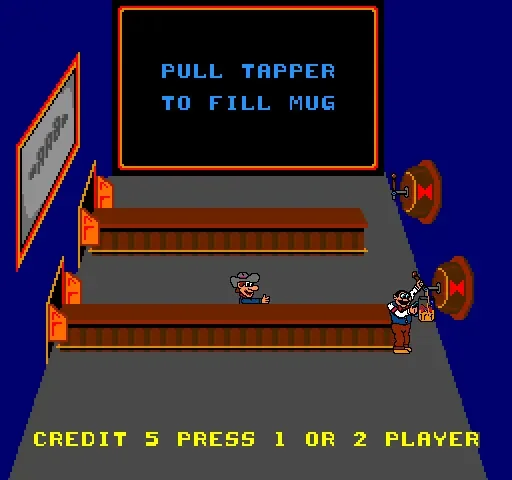
The goal of Chromacorp 2D was to introduce 1- 4 players to the world of Chromacorp while functioning as a fully standalone 2d arcade game. Before starting I referenced Taproom a classic arcade game in which players fill glasses and slide them down a bar to customers. A simple concept that can easily ramp in difficulty. Using Taproom as a loose template/reference point I set out to add complexity and theme it to the Chromacorp IP.
Adding Complexity
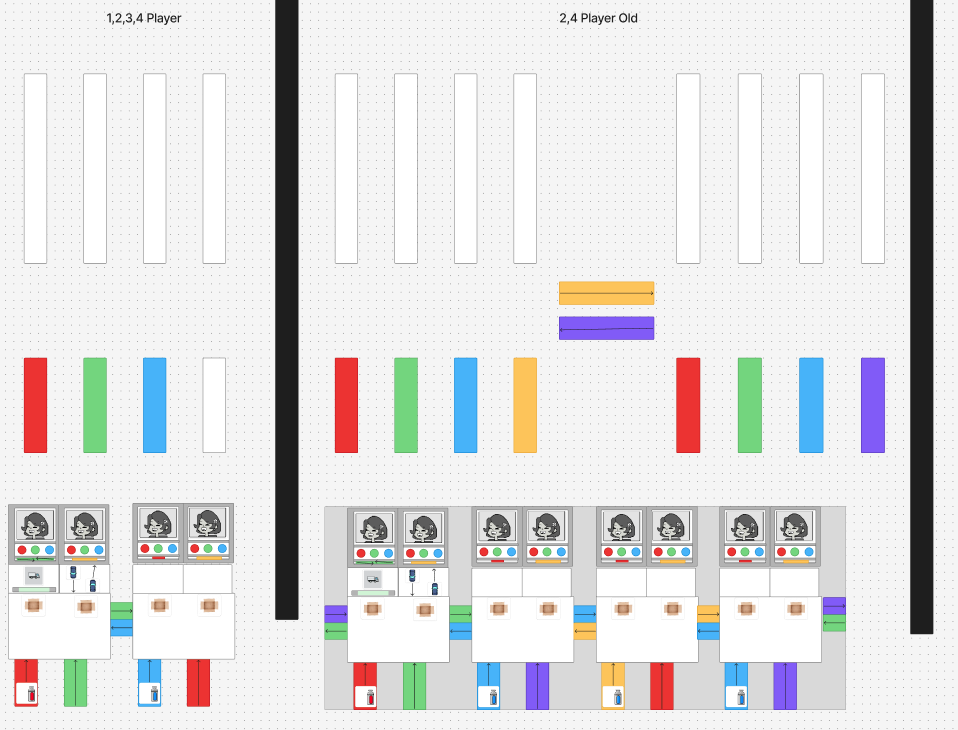
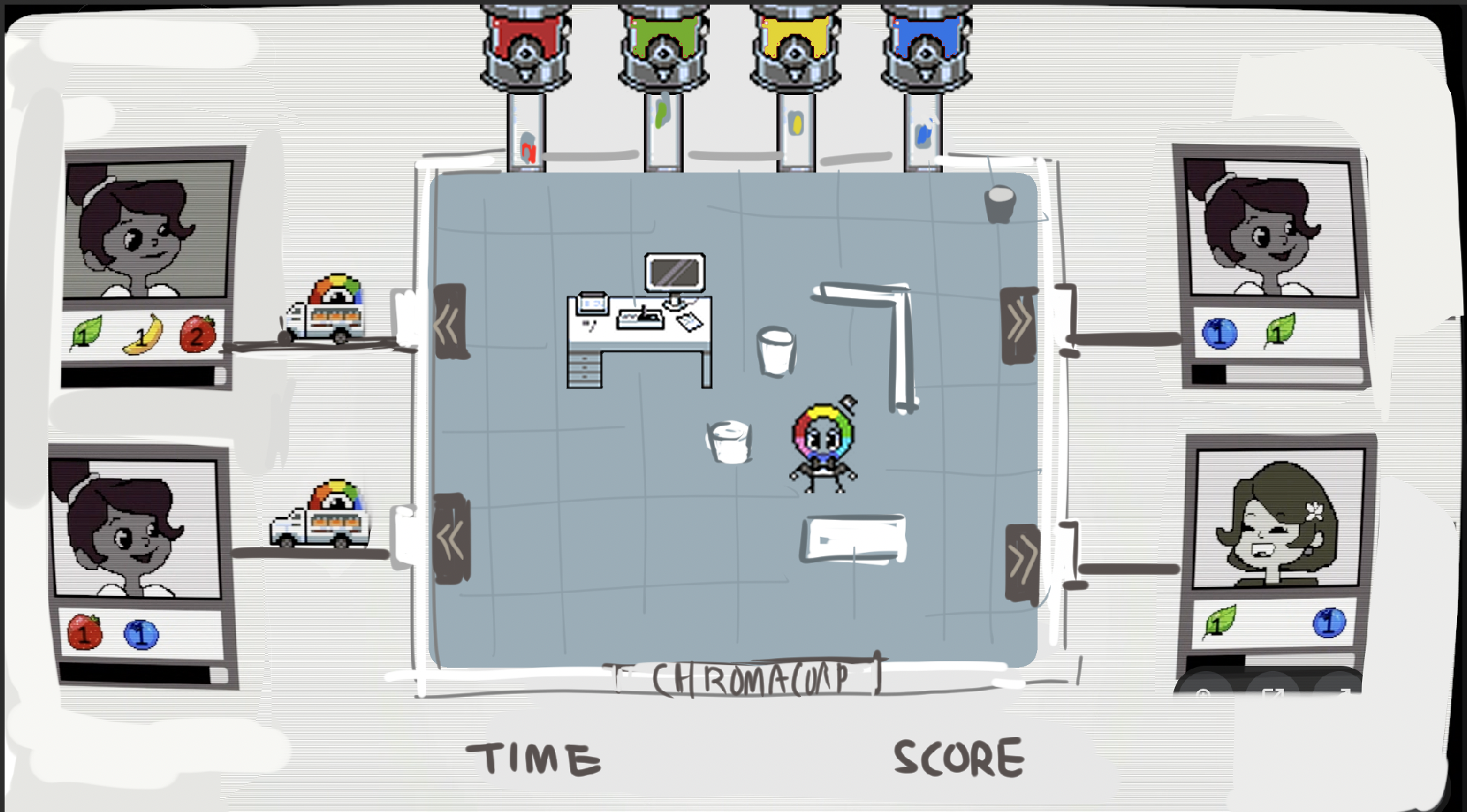
Chromacorp is a color company so I themed the game to focus on the distribution side the company. Customers order randomly generated colors which creates a resource/time management pressure to the player that creates a chaotic fast paced atmosphere. You can see an early mock up of the level layouts, the vertical and horizontal lines are conveyor belts that move the paint and the spaces between them are the player spaces where they must move the paint between conveyor belts.
Shifting Focus
This initial version of the game was fun as a single player experience however co-op didn’t capture the collaborative feel I was looking to capture in the original Chromacorp. I went back to the drawing board and decided to remove the grid based movement system and let them move freely.
Delivery Trucks and Color Dispensers
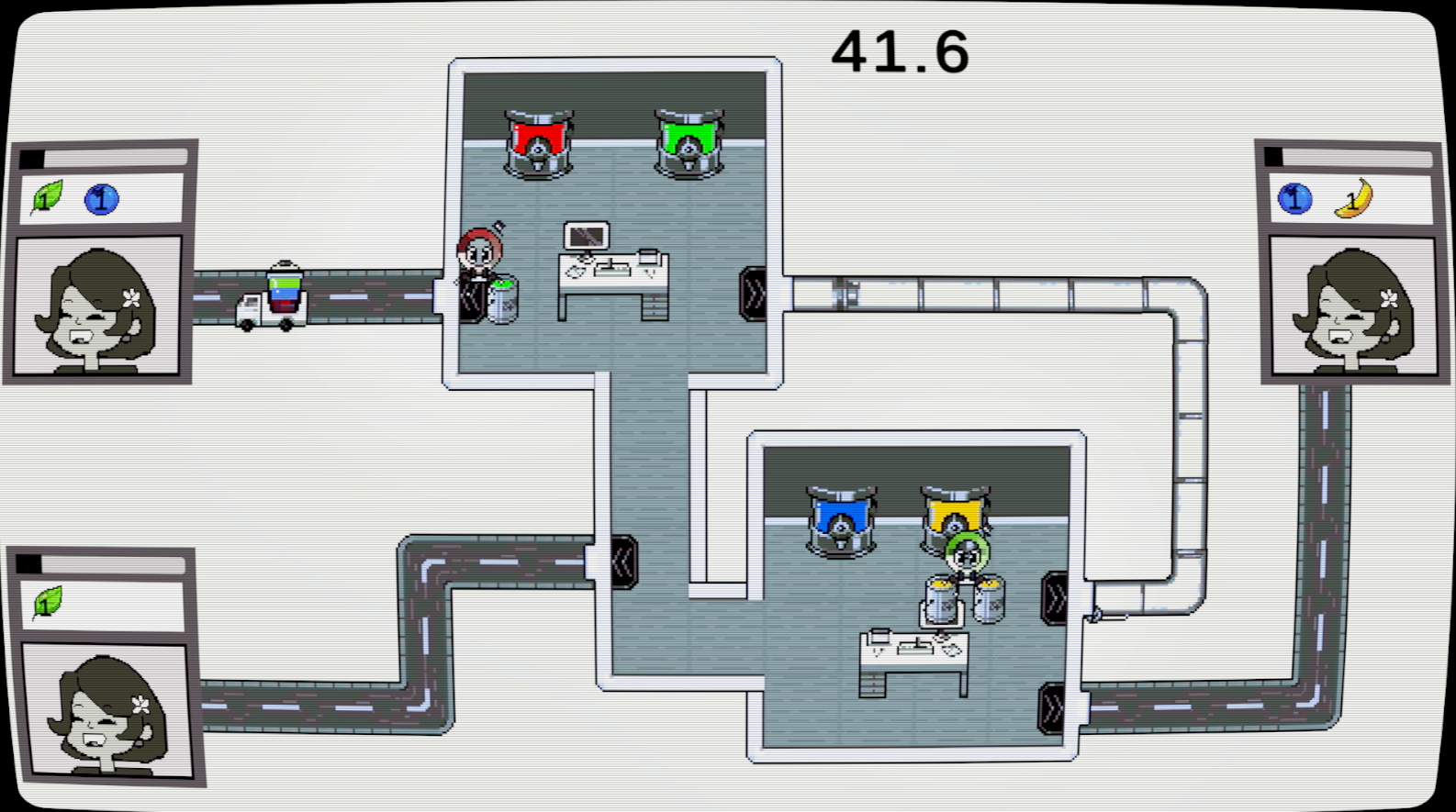
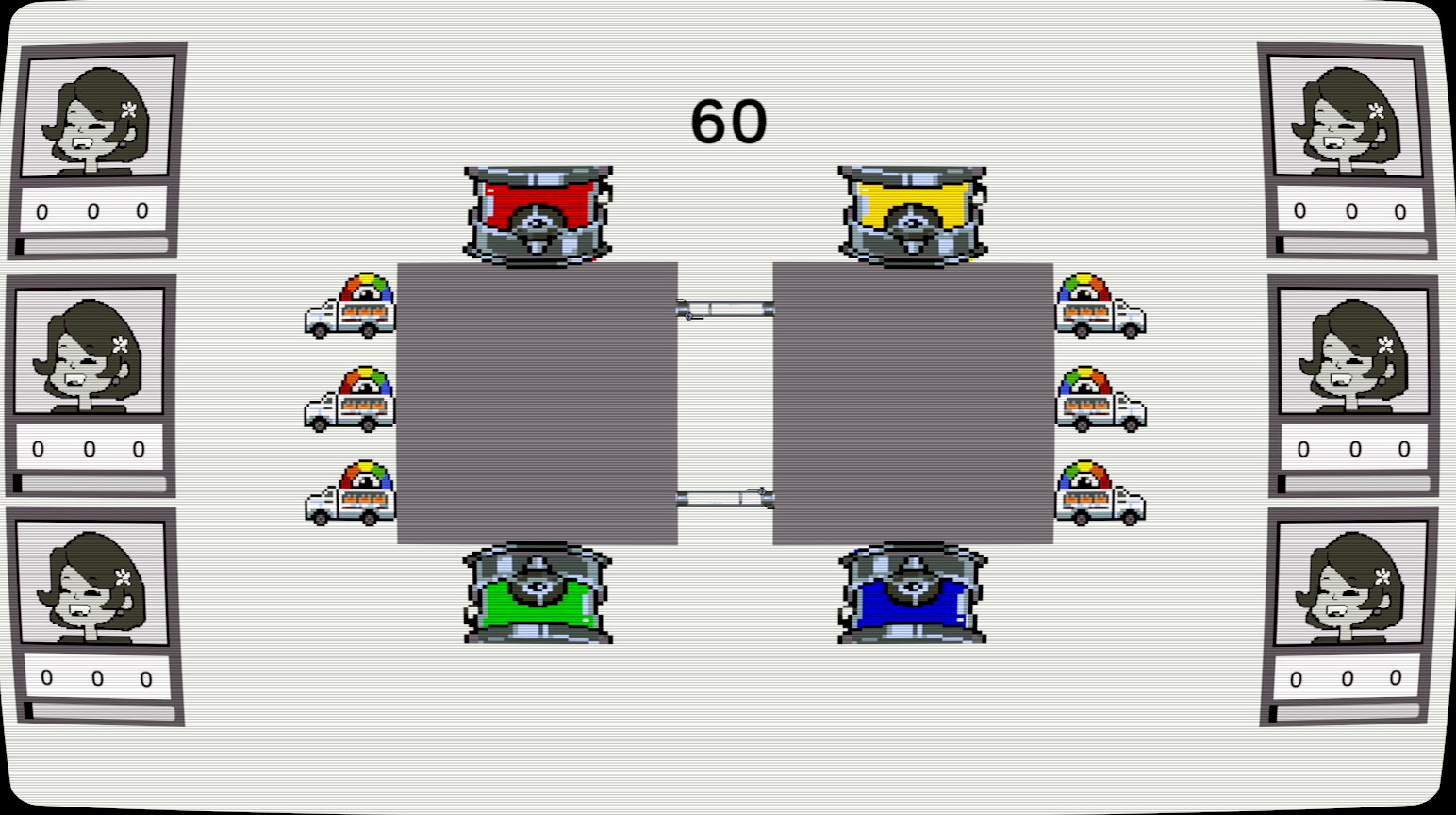
The conveyor belt system seemed forced once the player was free from gridded movement. So paint buckets are now acquired from color dispensers and deliveries are handled by trucks that players send off. The trucks initially held 3 paint but were changed to carry one so that the player would have to track multiple trucks/orders to optimize their play.
Adding Obstacles
Navigating a blank room is not very interesting so I added furniture that will make the player drop their held paint if they walk into them. The dropped paint creates a hazard spill that can temporarily cut off pathways for the player creating risk and a more chaotic party game like atmosphere.
Setting up Consistent Pixel Art
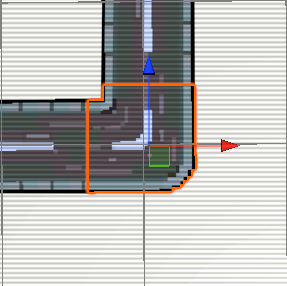
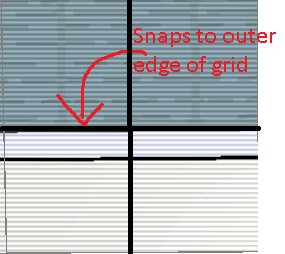
Visuals are extremely important to game feel setting up our pixel art grid system was key in that effort. This was primarily done by establishing a ruleset for pixel art asset creation. For instance we needed modularity in our roads and room corners so that they cleanly link as long as they’re snapped to the grid system.